
Type
- Accessibility
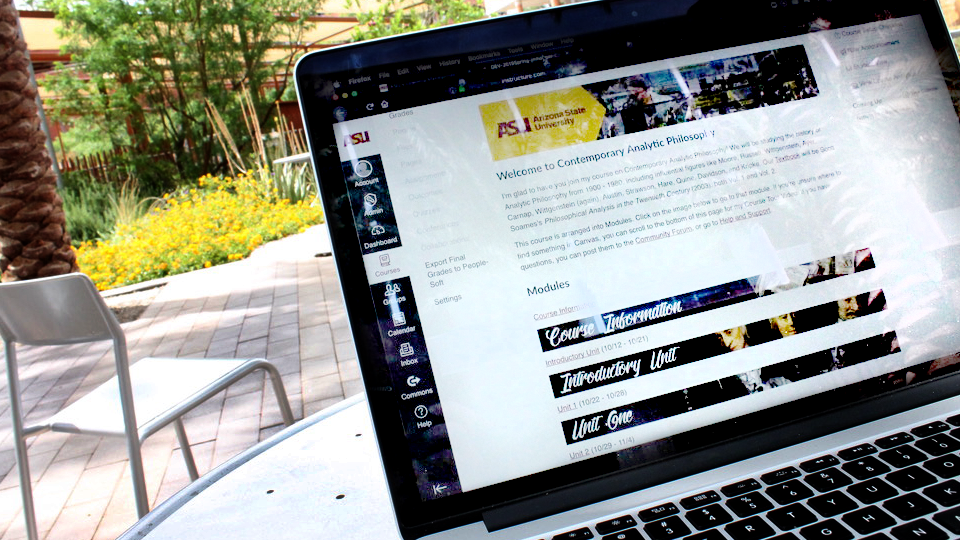
Learn how ASU Library’s Course Resource Services connects students with accessible, reliable resources through Canvas.
The Library has also launched a getting started tutorial for the Library Resource Organizer to help you continue on your learning journey. This tool helps instructors connect students to accessible, reliable course content directly in Canvas and is ideal for building new courses or refreshing existing ones.
Learn how to use accessibility checkers in Microsoft 365 and Canvas to support accessible content.
Learn to generate and edit captions and transcripts.
Learn how to make your visuals work for every student by applying strong color contrast and writing effective alt text in course materials.
Ensure that your instructional materials reach all learners by creating accessible tables and charts.
Ensure all your instructional materials reach all learners by creating descriptive hyperlinks and well-structured lists.
Learn simple strategies for headings, fonts, and spacing that make your course materials more accessible.
This toolkit focuses on Equatio, a user-friendly equation editor designed to simplify the creation of accessible STEM content. This toolkit introduces you to Equatio’s key features and demonstrates how to effectively integrate the tool into your teaching practice and Canvas course assignments. In addition to exploring the various ways Equatio can support inclusive and engaging instruction, you’ll also find guidance on accessing technical support to help you get the most out of the tool.
Add alternative text (alt text) to images in Canvas to improve accessibility for all learners, especially those using screen readers. Alt text provides a brief, meaningful description of an image's content and function. Read the toolkit to learn how to add alt text to images in your Canvas course.
Click here to access the Add Alternative Text to Images in Canvas Toolkit